

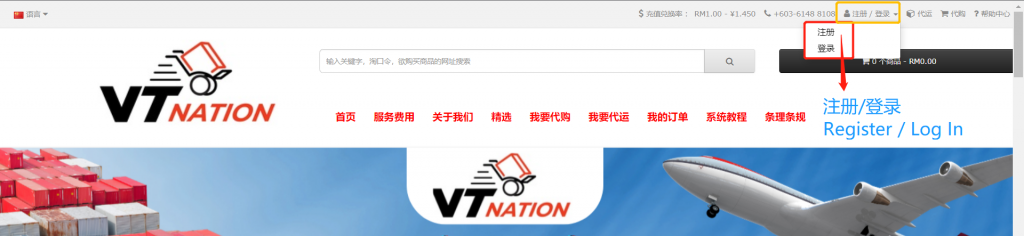
Step 1: Register or Log In at VT Nation Website
Register an account or log in at VT Nation’s website. Kindly remember your username.
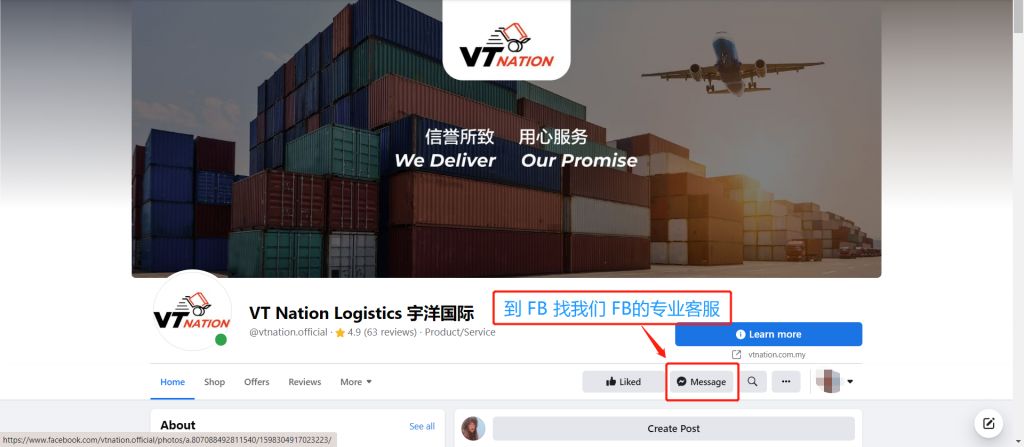
Step 2: Go to VT Nation Facebook
Go to VT Nation’s Facebook. (https://www.facebook.com/vtnation.official/)
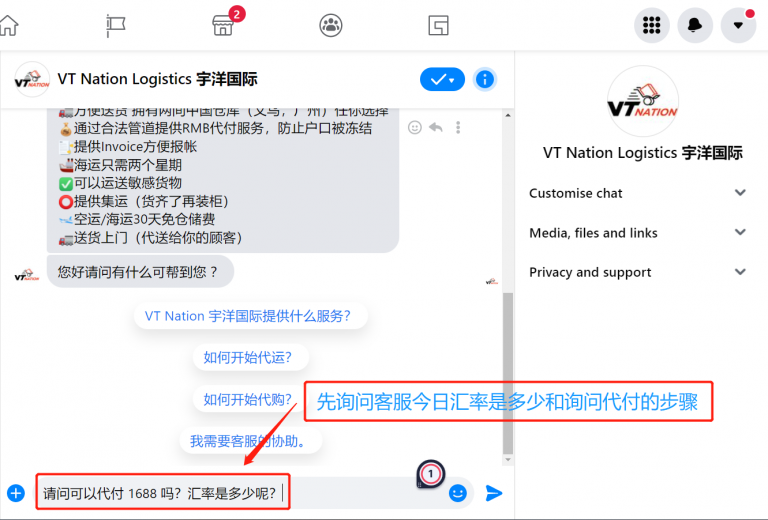
Step 3: Ask Customer Service for Today’s Exchange Rate
Go to Facebook and ask customer service what is the exchange rate today. If you need to pay by 1688, remember to submit the payment application to 1688 first.
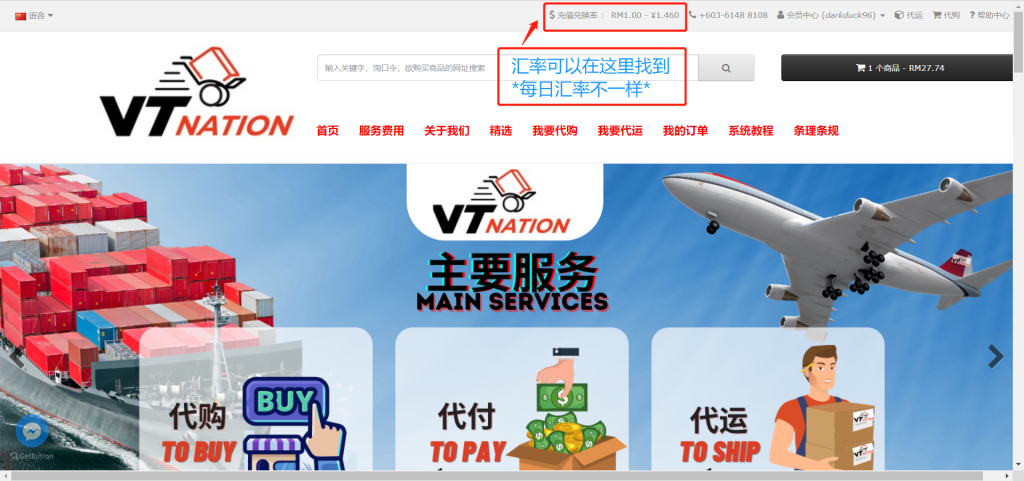
You may find the daily exchange rate on the website, and the exchange rate may be different every day.
Step 4: Tell Customer Service the Amount to Be Paid
Tell the customer service the amount to be paid. If it is 1688, remember not to give the total directly, but the amount to each seller.
For example, if you buy from 1688 and 5 different sellers, you need to submit 5 amounts. If you only buy from one seller, you can submit a total amount directly.
Step 5: Get VT Nation’s Alipay Account Number
Take VT Nation’s Alipay account number with the customer service. Remember to record it, and you will need it in 1688 later.
Click here to know how to submit Pay for Me services in 1688.
Step 6: Customer Service Calculates Your Payment Amount
After handing over the amount to the customer service, the customer service will calculate the amount that you need to pay.
For example, the amount to be paid is RMB 190. If the exchange rate is 1.46, then you need to pay 190 divided by 1.46 equals RM 130.14.
Step 7: Transfer and Send Receipt
Get the bank account of the transfer from the customer service, and send a receipt to the customer service after the transfer.
Step 8: Wait for VT Nation to Handle Payment
Relax and wait for VT Nation to handle the payment for you. Complete application and payment at 3 PM on the same day, and our company will handle it for you on the same day.